QR Code Error Correction Levels (L, M, Q, H) Explained
August 26, 2026
QR Code Error Correction Levels (L, M, Q, H) Explained
If you've generated a QR code before, you may have noticed a setting labeled Error Correction Level, often shown as a single letter: L, M, Q, or H. Most people skip past it. Almost no generator explains it in plain terms. But this one setting determines whether your QR code still works after it gets a coffee stain on it, gets printed slightly blurry, or has a logo placed in the middle of it.
What Error Correction Actually Means
A QR code doesn't store your data once — it stores it with built-in redundancy, using a method called Reed-Solomon error correction. This is the same category of math used in CDs, DVDs, and satellite transmissions to recover data even when part of the physical medium is damaged.
In practical terms: a QR code can lose a percentage of its pattern — through scratches, dirt, poor print quality, glare, or an intentionally placed logo — and still scan correctly, because the scanner reconstructs the missing pieces from the redundant data.
The error correction level controls how much of that redundancy is built in. Higher levels tolerate more damage, but they also make the QR code denser and more visually complex, because more of the pattern is dedicated to redundancy instead of raw data.
The Four Levels
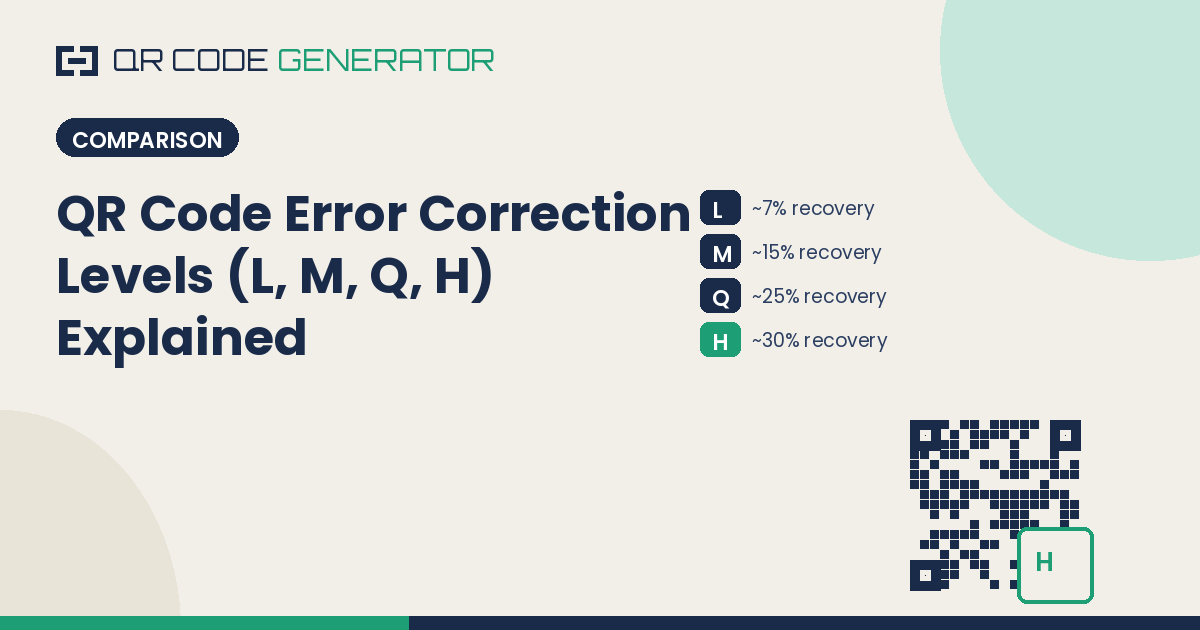
LevelRecovery CapacityBest ForL (Low)~7%Clean digital use — screens, email, no risk of damageM (Medium)~15%General purpose — the default on most generators, including QRGenQ (Quartile)~25%Printed materials exposed to handling or minor wearH (High)~30%Logos embedded in the code, outdoor signage, industrial or harsh environments
Level L — Low (~7% recovery)
This is the leanest option. It packs the most usable data into the smallest, least visually dense pattern. Use it only when the QR code will stay in a clean digital environment — displayed on a screen, sent in an email, or shown on a device where there's essentially zero chance of physical damage or obstruction.
Level M — Medium (~15% recovery)
This is the default error correction level for most QR code generators, including QRGen, because it's the best all-around balance between data efficiency and damage tolerance. If you're not sure which level to pick, Medium is the safe, standard choice for most everyday QR codes — flyers, business cards, product packaging in normal conditions.
Level Q — Quartile (~25% recovery)
Quartile sits between Medium and High. It's a reasonable choice for printed materials that will be handled, folded, or exposed to moderate wear — think menus, tickets, or shipping labels — without going as dense as the maximum level.
Level H — High (~30% recovery)
This is the level to use any time part of the QR code pattern will be intentionally covered or is likely to be damaged. The most common reason to choose High is embedding a logo in the center of the code — the extra redundancy compensates for the area the logo blocks out. It's also the right choice for QR codes on outdoor signage, vehicle wraps, packaging exposed to scuffing, or industrial environments with dust, grease, or wear.
How Error Correction Affects Code Density
Every increase in error correction level adds more redundant data to the code, which means the QR code needs more modules (the individual black/white squares) to hold the same information. In visual terms, a High (H) level QR code for the same URL will look noticeably denser and more intricate than a Low (L) level code for the same content.
This matters most at small print sizes. A dense, High-level QR code shrunk down too small can become difficult for a camera to resolve, because the individual modules become too small to distinguish. If you're printing small (under about 1 inch), a lower error correction level with a simpler pattern will often scan more reliably than an overly dense High-level code crammed into the same space.
Choosing the Right Level for Your Use Case
Choose Level L when:
- The code is for digital display only (screens, PDFs viewed on-device)
- There is no printing, no handling, and no risk of visual obstruction
Choose Level M when:
- You're not sure — this is the safest general-purpose default
- It's a standard printed flyer, business card, or poster in normal conditions
Choose Level Q when:
- The material will be handled repeatedly (tickets, menus, packaging)
- You want more durability than Medium without maximizing density
Choose Level H when:
- You're embedding a logo or image in the center of the code
- The code will be printed outdoors, on packaging, or in an environment prone to scratching, fading, or dirt
- Reliability matters more than print size or data capacity
Frequently Asked Questions
What error correction level should I use for a logo in my QR code? Use Level H (High, ~30% recovery). Embedding a logo covers part of the QR code pattern, and High error correction provides enough redundancy to compensate for that obstruction while keeping the code scannable.
Does a higher error correction level make a QR code more secure? No. Error correction is about physical damage tolerance and scan reliability, not data security or encryption. A Level H code is not "safer" in a privacy or security sense — it's simply more resistant to being unreadable due to damage or obstruction.
What's the default error correction level if I don't choose one? Most QR code generators, including QRGen, default to Level M (Medium, ~15% recovery), which balances reliability with a reasonably compact, easy-to-scan pattern for general use.
Does error correction level affect how fast a QR code scans? Indirectly. Denser, higher-error-correction codes require slightly more processing to decode and can be marginally slower to scan, especially on older cameras or in low light — but the difference is rarely noticeable in everyday use.
Generate QR codes with the right error correction level automatically applied at the QR Code Generator (QRGen) — free, no account required.