Guides
Putting a LinkedIn QR Code on Your Business Card
A business card with a LinkedIn QR code turns a handoff into an instant connection — no typing a name into search and hoping you found the right person. Here's how to size and place it correctly.
How to Create a QR Code for Your LinkedIn Profile
A QR code on your business card or resume that opens your LinkedIn profile directly saves the other person from typing your name into a search bar and hoping they find the right match.
QR Codes for Your Storefront: Turning Foot Traffic into Followers
Every person who walks past your storefront is a potential follower who will likely never come back in person — a well-placed QR code is the bridge between that one visit and an ongoing relationship.
How to Create a QR Code for Your Instagram Profile
A QR code pointing straight to your Instagram profile turns packaging, storefronts, and print materials into an instant follow button. Here's how to generate one that's on-brand and print-ready.
QR Codes for YouTube Shorts: Driving Views from Print
Shorts live in a vertical, fast-scrolling feed — which means a QR code pointing to one needs to account for a different viewing context than a standard YouTube video. Here's how to do it right.
How to Make a QR Code That Opens a Video at a Specific Timestamp
A QR code that opens your video at the exact moment that matters — not the beginning — removes the single biggest friction point between a scan and someone actually watching what you wanted them to see.
How to Create a QR Code for Your YouTube Channel
A QR code on your merch, packaging, or event signage can send someone straight to your YouTube channel in one scan. Here's how to generate one that's high-resolution, on-brand, and print-ready.

How to Share Your WeChat Profile with a QR Code at Events
Exchanging WeChat details at a conference or trade show shouldn't mean typing usernames into a search bar while someone waits. A printed or displayed QR code makes the handoff instant — if you set it up correctly beforehand.
How to Put a WeChat QR Code on Product Packaging
A WeChat QR code on packaging can turn every unit sold into a new follower — but only if it's sized, placed, and printed correctly. Get any of that wrong and the code becomes decoration, not a working link.
How to Add Your Logo to a WeChat QR Code (Without Breaking the Scan)
A branded WeChat QR code builds instant trust and gets more scans than a plain one — but the wrong settings turn a working code into a dead one. Here's exactly how to embed a logo safely.
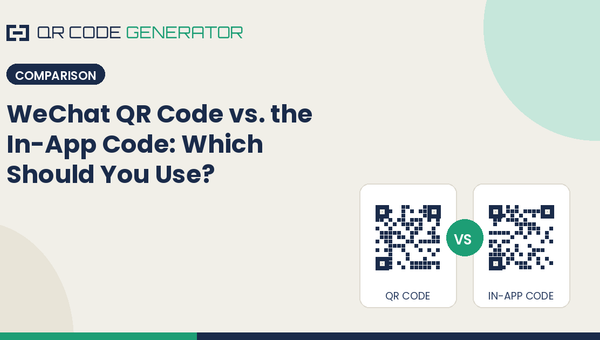
WeChat QR Code vs. the In-App Code: Which Should You Use?
WeChat gives you two different codes that look nearly identical but behave very differently — one is built for external marketing, the other for in-app-only sharing. Mixing them up is a common and costly mistake.
How to Create a QR Code for Your WeChat Official Account
Your WeChat Official Account already has a QR code — but if you're using the default export, you're likely missing the branding, size, and format you actually need for print or ads. Here's how to generate it correctly.
How to Add a Logo to a QR Code Without Breaking It
A logo in the center of a QR code looks more professional and builds trust before anyone even scans it — but done carelessly, it turns a working code into a dead one. Here's how to do it correctly.
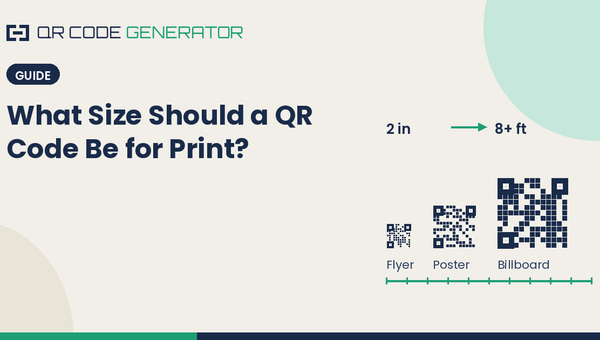
What Size Should a QR Code Be for Print?
Too small and phones can't focus on it. Too dense and it becomes unreadable at any size. Here's the actual formula for sizing a QR code correctly, based on scan distance, not guesswork.
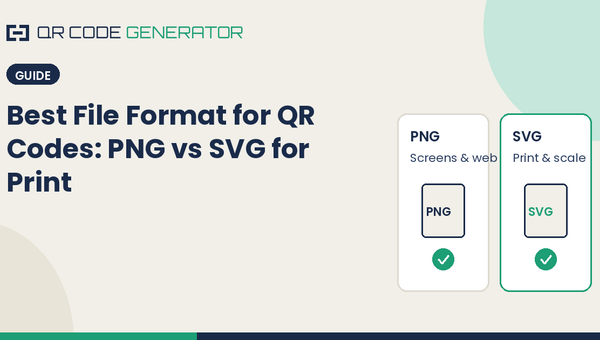
Best File Format for QR Codes: PNG vs SVG for Print
Download the wrong file format and your QR code prints blurry, pixelated, or refuses to scan at large sizes. Here's the real difference between PNG and SVG, and which one to pick before you send anything to a printer.
How to Create a WiFi QR Code for Your Guests
Stop spelling out your WiFi password. A WiFi QR code lets guests join your network with a single scan. Here's how to make one in under a minute — free.
Why Won't My QR Code Scan? 7 Common Fixes
A QR code that won't scan is almost always caused by one of seven fixable problems — from low contrast to a logo that's too big. Here's how to diagnose and fix each one.
Blog
Instagram Nametags Are Gone: The QR Code Replacement That Works Anywhere
Instagram's in-app Nametag feature only ever worked within Instagram's own scanner. A standard QR code does everything it did — and works everywhere else too.
Benefits of Using a WeChat QR Code Generator
The WeChat backend gives you a working QR code by default — so why do businesses still reach for a dedicated generator? The reasons come down to resolution, branding, format, and control.
Do QR Codes Expire? How Long They Really Last
Some QR codes last forever; others stop working after a trial ends. The difference comes down to one thing. Here's what actually makes a QR code expire — and how to make one that never does.
Comparisons
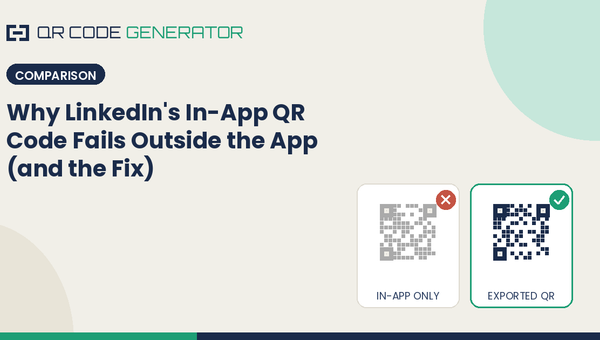
Why LinkedIn's In-App QR Code Fails Outside the App (and the Fix)
LinkedIn gives every profile a built-in QR code — but print it on a business card or badge, and it often doesn't work the way you'd expect. Here's why, and the simple fix.
Static vs. Dynamic WeChat QR Codes Explained
One type of WeChat QR code never expires and costs nothing. The other can be edited after printing but depends on a service staying online. Here's how to choose the right one before you print anything.
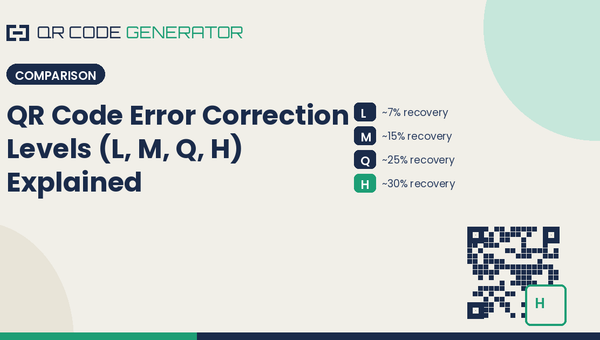
QR Code Error Correction Levels (L, M, Q, H) Explained
Every QR code has a hidden setting that decides whether it still scans after it gets scratched, wet, or partially covered by a logo. Here's what L, M, Q, and H actually mean, and which one you should pick.
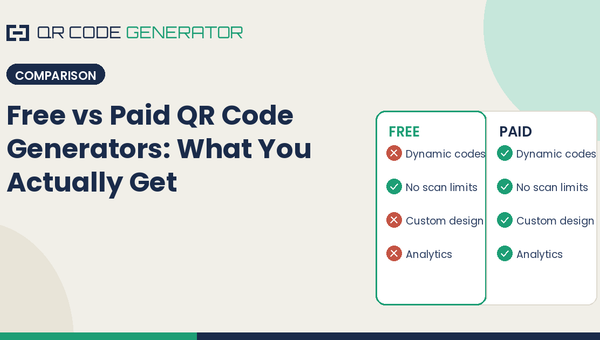
Free vs Paid QR Code Generators: What You Actually Get
Free QR code generators and paid ones look identical on the surface. The real differences show up later — in whether your code still works, who owns the data, and what breaks when you need to update it. Here's what actually separates them.
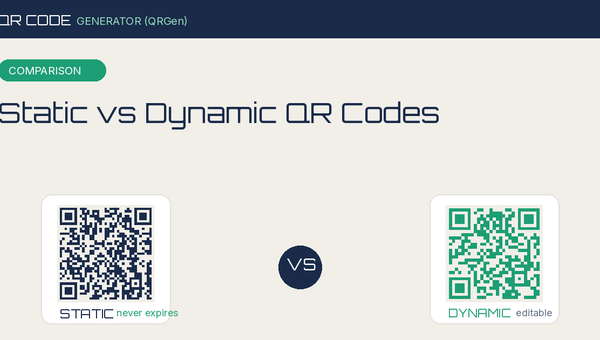
Static vs Dynamic QR Codes: What's the Difference?
Static and dynamic QR codes look identical but work very differently. Here's a plain-English breakdown of how each one works, what they cost, and which you actually need.