What Size Should a QR Code Be for Print?
August 28, 2026
What Size Should a QR Code Be for Print?
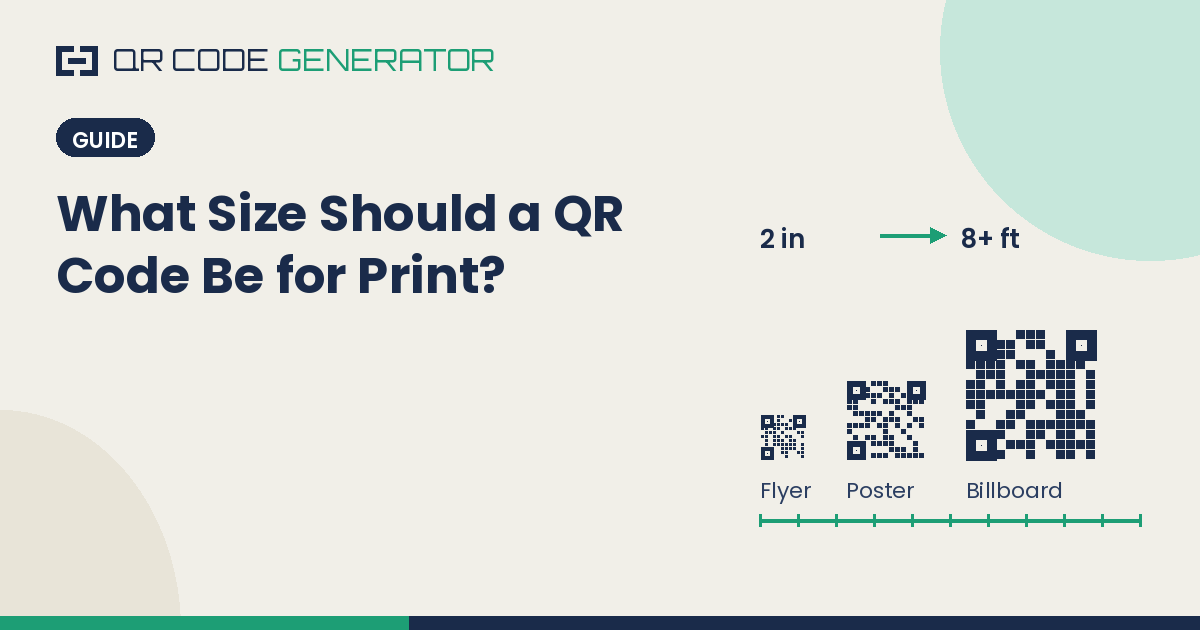
There's no single correct QR code size — but there is a correct formula, and most printed QR codes that fail to scan are failing because someone guessed instead of using it. The right size depends entirely on one variable: how far away the person scanning it will be standing.
A QR code sized perfectly for a business card, handed directly to someone, will be completely unreadable on a highway billboard viewed from a moving car. The pattern is identical — the physics of scanning it is not.
The Rule: 10:1 Scan Distance Ratio
The industry standard rule of thumb is that a QR code's minimum size should be roughly 1/10th of the scanning distance.
Formula: QR code width (in inches) = Scan distance (in inches) ÷ 10
So if someone will be scanning from 3 feet (36 inches) away, the code needs to be at least 3.6 inches wide. From 10 feet away, at least 12 inches (1 foot). From 20 feet away, at least 2 feet wide.
This ratio exists because of how phone cameras autofocus and how much of the frame the code needs to occupy to be read reliably — too small relative to distance, and the camera either can't focus or can't resolve the individual modules that make up the pattern.
Quick Reference Size Chart
Scan DistanceMinimum QR Code SizeTypical Use Case6–12 inches1 × 1 inBusiness cards, product labels1–2 feet1.5–2 inFlyers, table tents, menus3–5 feet4–6 inPosters, retail signage, brochures8–10 feet10–12 inStorefront windows, banners15–20 feet18–24 inTrade show backdrops, large posters30+ feet3+ ftBillboards, building signage, vehicle wraps
Rule of thumb version: if you don't know the exact distance, measure roughly how far away someone would naturally stand to read the surrounding text, and size the code to at least 1/10th of that.
Minimum Size Regardless of Distance
Even at very close range, there's a hard floor: QR codes should never be printed smaller than roughly 0.8 × 0.8 inches (about 2 × 2 cm), and ideally not below 1 × 1 inch for reliable everyday scanning. Below that size, the individual modules become too small for most phone cameras to distinguish clearly, even at arm's length — especially for QR codes with a higher error correction level or embedded logo, which are inherently denser (see our guide on error correction levels for how that density is determined).
What Happens When a QR Code Is Too Small
Undersized QR codes don't fail randomly — they fail in a specific, predictable way. The phone camera can't achieve focus lock on the pattern, or it focuses but can't distinguish the finder squares (the three larger squares in the corners that tell the scanner "this is a QR code, and this is its orientation") from the surrounding data modules. The result is a scan that either times out, or worse, appears to work but reads the wrong data due to misdetected modules.
This is also why a QR code that scans fine on a laptop screen preview can fail once printed — screen previews are typically viewed from much closer relative to the code's displayed size than the code's actual printed size will be viewed from.
What Happens When a QR Code Is Too Large
Oversizing rarely causes scan failures — a QR code sized far larger than necessary will scan just as reliably as one sized correctly, since more size only makes a code easier to focus on and resolve. The real cost of oversizing is aesthetic and spatial: wasted design real estate, an oddly dominant visual element, or (for large-format printing) unnecessary material and cost. If in doubt, sizing slightly larger than the formula suggests is always safer than sizing smaller.
Other Factors That Affect the Right Size
Error correction level: A QR code set to High (H) error correction — commonly used when a logo is embedded — has a denser pattern than the same data at Low (L) correction. Denser patterns need slightly more size to remain scannable at the same distance.
Print quality and material: A code printed on a glossy, high-DPI printer can be scanned slightly smaller than one printed on a low-resolution home printer or on a textured, absorbent material like fabric, where ink can bleed and soften the edges between modules.
Lighting conditions: Codes viewed outdoors in bright sunlight or under glare-prone glass/lamination may need to be sized up slightly, since strong reflections can obscure part of the pattern from certain angles.
Amount of data encoded: A QR code encoding a long URL or a large vCard has more modules packed into the same physical size than one encoding a short link — meaning content-heavy codes benefit from a size boost, or from being pointed at a shortened URL instead.
Practical Recommendation
Before finalizing a print size:
- Estimate the realistic scan distance — where will people actually be standing?
- Apply the 1/10th ratio to get your minimum size
- Round up, not down, if you're between two size options
- Print a physical test copy at the actual target size and scan it yourself, in the actual lighting conditions, before committing to a full print run
Frequently Asked Questions
What is the minimum size for a QR code on a business card? Around 1 × 1 inch is the practical minimum for reliable scanning at typical business-card handling distance (roughly arm's length, 6–12 inches).
How big should a QR code be on a billboard? Using the 1/10th distance rule, a billboard viewed from 100 feet away needs a QR code at least 10 feet wide to scan reliably from that distance — though most billboard QR codes are intended for closer viewing (e.g., from a parked car or pedestrian distance) and are sized accordingly smaller.
Does QR code size affect scan speed? Indirectly — a code sized correctly for its viewing distance will focus and scan almost instantly, while an undersized code often causes the camera to hunt for focus, which feels slower even though the code itself scans at the same underlying speed once locked on.
Can a QR code be too big to scan properly? Practically, no. Oversized QR codes scan just as reliably as correctly sized ones — there's no upper limit that causes scan failure, only cost and design tradeoffs.
Generate a print-ready QR code as SVG for crisp scaling to any size at the QR Code Generator (QRGen).